by
by 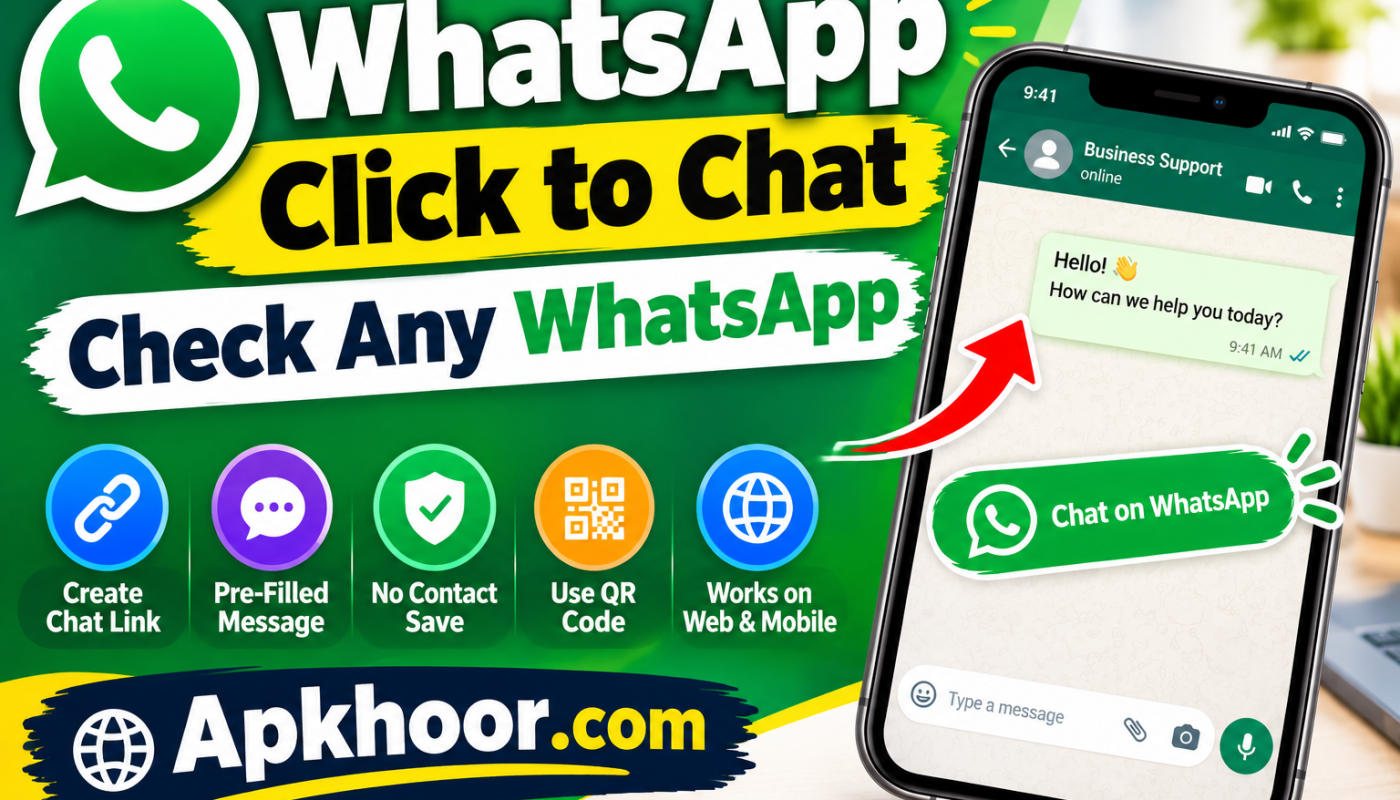
WhatsApp has become one of the most widely used messaging platforms for personal communication, customer support, online businesses, freelancers, and digital services. However, starting a conversation with a new person can sometimes be inconvenient when you first need to save their phone number in your contacts.
This is where WhatsApp Click to Chat can be useful.
WhatsApp Click to Chat allows you to create a direct chat link that can open a conversation with a specific WhatsApp number without requiring the user to save that number in their phonebook first.
In this complete guide, we will explain what WhatsApp Click to Chat is, how to create a WhatsApp chat link, how to add a pre-filled message, how businesses can use it, and important privacy and safety considerations.
What Is WhatsApp Click to Chat And Click to Chart ?
WhatsApp Click to Chat is a link-based feature that makes it easier to start a WhatsApp conversation with a specific phone number.
Instead of asking someone to save a phone number and then search for that contact inside WhatsApp, you can provide a direct chat link.
A standard Click to Chat link uses the following format:
https://wa.me/YourPhoneNumber
For example:
https://wa.me/923001234567
When a user opens a correctly formatted link, WhatsApp can provide an option to start a conversation with the associated number.
This makes Click to Chat particularly useful for websites, online stores, social media profiles, customer support pages, and business contact sections.
How Does WhatsApp Click to Chat Work?
The basic idea is simple.
First, you create a WhatsApp URL containing the phone number in international format. You can then share that URL anywhere you want people to contact you.
For example:
WhatsApp Number:
923001234567
Click to Chat Link:
https://wa.me/923001234567
When someone clicks the link, WhatsApp can open the relevant conversation interface, depending on their device and WhatsApp setup.
The person does not necessarily have to manually create a contact entry before starting the conversation.
How to Create a WhatsApp Click to Chat Link
Creating a WhatsApp Click to Chat link is relatively simple.
Step 1: Get Your WhatsApp Phone Number
Start with the phone number connected to your WhatsApp account.
You should use the number in international format.
For example, a Pakistani number could use the country code 92.
Step 2: Remove Unnecessary Symbols
When creating the URL, do not include spaces, brackets, or unnecessary formatting characters.
For example:
Correct:
https://wa.me/923001234567
Avoid formats such as:
https://wa.me/+92 300 1234567
The exact number format matters because an incorrectly formatted URL may not lead to the intended WhatsApp account.
Step 3: Add the Number to the WhatsApp URL
Place the complete international phone number after https://wa.me/.
The basic structure is:
https://wa.me/countrycodephonenumber
Step 4: Test the Link
Before publishing your link on a website or social media profile, open it yourself and make sure it leads to the correct WhatsApp account.
Testing the link can help you catch typing mistakes before visitors or customers use it.
How to Add a Pre-Filled Message to a WhatsApp Link
Another useful option is adding a pre-filled message to your Click to Chat link.
A pre-filled message allows you to provide suggested text that appears when the conversation is opened. The user can review or edit the message before sending it.
A basic example looks like this:
https://wa.me/923001234567?text=Hello
For a longer message, spaces and special characters need to be encoded properly for use in a URL.
For example, a business could create a link that opens with a message such as:
“Hello, I would like to know more about your services.”
This can make customer inquiries more organized and reduce the amount of typing required.
Why Is WhatsApp Click to Chat Useful for Businesses?
WhatsApp Click to Chat can be especially helpful for businesses that communicate with customers through WhatsApp.
Imagine that a customer visits an online store and wants to ask about a product. Instead of searching for a phone number, saving it, opening WhatsApp, and finding the contact, the customer can click a WhatsApp button provided on the website.
This creates a more direct communication path.
Businesses can use Click to Chat for:
- Customer inquiries
- Product questions
- Service information
- Order-related communication
- Appointment requests
- General support
- Sales inquiries
- Feedback
- Business contact pages
The exact use case depends on the type of business and how it manages customer communication.
How to Add WhatsApp Click to Chat to a Website
If you operate a WordPress website, you can add a Click to Chat link just like a normal website hyperlink.
For example, you could create a button labeled:
Chat With Us on WhatsApp
Then attach your WhatsApp Click to Chat URL to that button.
You can place the button in areas such as:
Homepage
A WhatsApp button on the homepage can make it easier for visitors to contact your business.
Contact Page
Your contact page can include WhatsApp alongside other communication methods.
Product Pages
Online stores can provide a WhatsApp inquiry option for customers who have questions before purchasing.
Blog Articles
Relevant articles can include a contact option where readers may need additional information.
Website Footer
A simple WhatsApp contact link can also be placed in the footer.
However, avoid placing too many distracting buttons throughout a website. The goal should be to make communication easier without negatively affecting the user experience.
WhatsApp Click to Chat for Social Media
WhatsApp links can also be useful for social media marketing and communication.
Depending on the platform’s current features and link policies, a business may be able to place a WhatsApp link in areas such as:
- Profile bio
- Business profile
- Promotional content
- Contact sections
- Link pages
- Marketing campaigns
For businesses that receive inquiries through social media, a direct WhatsApp link can provide another communication channel.
Always check the current rules and link options of the particular social platform you are using.
Benefits of WhatsApp Click to Chat
There are several practical benefits to using WhatsApp Click to Chat.
1. No Manual Contact Saving
Users can start a conversation through the link without first manually creating a contact entry.
2. Faster Communication
A direct link can reduce the number of steps required to reach a business or individual.
3. Easy to Share
The URL can be shared through websites, emails, social platforms, QR codes, and digital documents.
4. Useful for Businesses
Businesses can provide customers with a convenient way to ask questions or request information.
5. Supports Pre-Filled Messages
A suitable URL can include a suggested message to make common inquiries easier.
6. Works Well With QR Codes
A WhatsApp Click to Chat URL can also be used as the destination for a QR code.
WhatsApp Click to Chat vs Saving a Contact
There is a simple difference between the two approaches.
Saving a Contact
The traditional process is:
Save number → Open WhatsApp → Find contact → Start chat
Click to Chat
The process can be:
Open link → WhatsApp opens → Start conversation
Click to Chat is therefore designed to reduce unnecessary steps when communicating with a number that you do not need to save permanently.
Can You Use Click to Chat Without Saving the Number?
Yes. One of the main purposes of WhatsApp Click to Chat is to make it possible to initiate a conversation without first saving the phone number as a contact.
However, the number in the link must be correctly formatted and associated with a WhatsApp account for the intended experience to work.
Is WhatsApp Click to Chat Safe?
The Click to Chat mechanism itself is simply a way of creating a direct link to a WhatsApp conversation.
However, you should consider privacy when publicly sharing a WhatsApp number.
If you publish your personal WhatsApp number on a public website, social media profile, or advertisement, people you do not know may be able to contact you.
For businesses, using a dedicated business number can be a practical way to separate customer communication from personal conversations.
You should also avoid interacting with suspicious accounts, unknown links, or requests for sensitive information.
Common WhatsApp Click to Chat Problems
Sometimes a Click to Chat link may not work as expected. Here are some common causes.
Incorrect Phone Number
Double-check every digit before publishing the link.
Incorrect Country Code
The phone number should use the appropriate international country code.
Incorrect URL Formatting
Spaces, brackets, or other unnecessary characters can cause formatting problems.
Number Is Not Associated With WhatsApp
If the number is not connected to an active WhatsApp account, the expected chat experience may not be available.
Browser or Device Differences
The way the link opens can vary depending on the user’s device, browser, operating system, and WhatsApp installation.
Testing the link on more than one device can be useful when publishing it for customers.
How Businesses Can Use WhatsApp Click to Chat Effectively
Businesses should use Click to Chat where it provides genuine value to visitors.
For example, an online store could add a button saying:
“Ask About This Product on WhatsApp”
A service provider could use:
“Chat With Us for More Information”
A local business could use:
“Contact Us on WhatsApp”
The button text should clearly tell visitors what will happen after they click it.
Avoid misleading buttons or aggressive pop-ups. A simple and transparent user experience is generally better for both visitors and website owners.
Using WhatsApp Click to Chat With QR Codes
A Click to Chat link can also be connected to a QR code.
This is particularly useful for businesses that operate both online and offline.
For example, a business could place a QR code on:
- Business cards
- Product packaging
- Restaurant menus
- Posters
- Store counters
- Flyers
- Event materials
- Printed advertisements
A customer can scan the QR code with a compatible phone and access the WhatsApp conversation link.
This creates a simple bridge between offline marketing and online communication.
Best Practices for WhatsApp Click to Chat Links
Before publishing a WhatsApp chat link, consider the following checklist:
- Use the correct international phone number format.
- Double-check the phone number.
- Remove unnecessary spaces and symbols.
- Test the link before publishing it.
- Use clear button text.
- Keep pre-filled messages relevant.
- Avoid publishing personal numbers unnecessarily.
- Use a dedicated business number when appropriate.
- Do not request sensitive information through unsecured or inappropriate channels.
- Keep the user experience simple and transparent.
Frequently Asked Questions
What is WhatsApp Click to Chat?
WhatsApp Click to Chat is a link-based method that allows users to access a WhatsApp conversation with a specific phone number without manually saving the number first.
Is WhatsApp Click to Chat free?
Creating and sharing a Click to Chat URL does not require a separate paid Click to Chat service. However, internet or mobile data charges may apply depending on the user’s network provider.
Can I create a WhatsApp link without saving a number?
Yes. The purpose of the Click to Chat URL is to provide direct access to a WhatsApp conversation without requiring the user to first save the number.
Can I add a message to a WhatsApp Click to Chat link?
Yes. A properly formatted Click to Chat URL can include a pre-filled message that the user can review before sending.
Can businesses use WhatsApp Click to Chat?
Yes. Businesses can use direct WhatsApp links for customer inquiries, product questions, service requests, and other communication needs.
Can I put a WhatsApp Click to Chat link on my website?
Yes. You can add the link to buttons, text links, contact pages, product pages, or other relevant sections of a website.
Can I turn a WhatsApp link into a QR code?
Yes. A Click to Chat URL can be used as the destination of a QR code, allowing people to access the WhatsApp conversation after scanning it.
Why is my WhatsApp Click to Chat link not working?
Check the phone number, country code, URL formatting, and whether the number is associated with WhatsApp. You should also test the link using the device and browser combinations your audience is likely to use.
Final Thoughts
WhatsApp Click to Chat is a simple way to make direct WhatsApp communication more convenient. Instead of requiring users to manually save a phone number before starting a conversation, you can provide a direct link that takes them toward the WhatsApp chat experience.
For websites and businesses, this can be particularly useful for customer inquiries, product questions, support requests, and general communication.
The process is straightforward: use the correct international phone number format, create the Click to Chat URL, test it carefully, and place it where your audience can easily find it.
If you decide to publish a WhatsApp link publicly, remember to consider privacy and avoid exposing a personal number unnecessarily. With the right setup, WhatsApp Click to Chat can be a convenient addition to a website, online store, social media profile, or digital marketing campaign.